Built to scale
Fast from a hundred files to a million
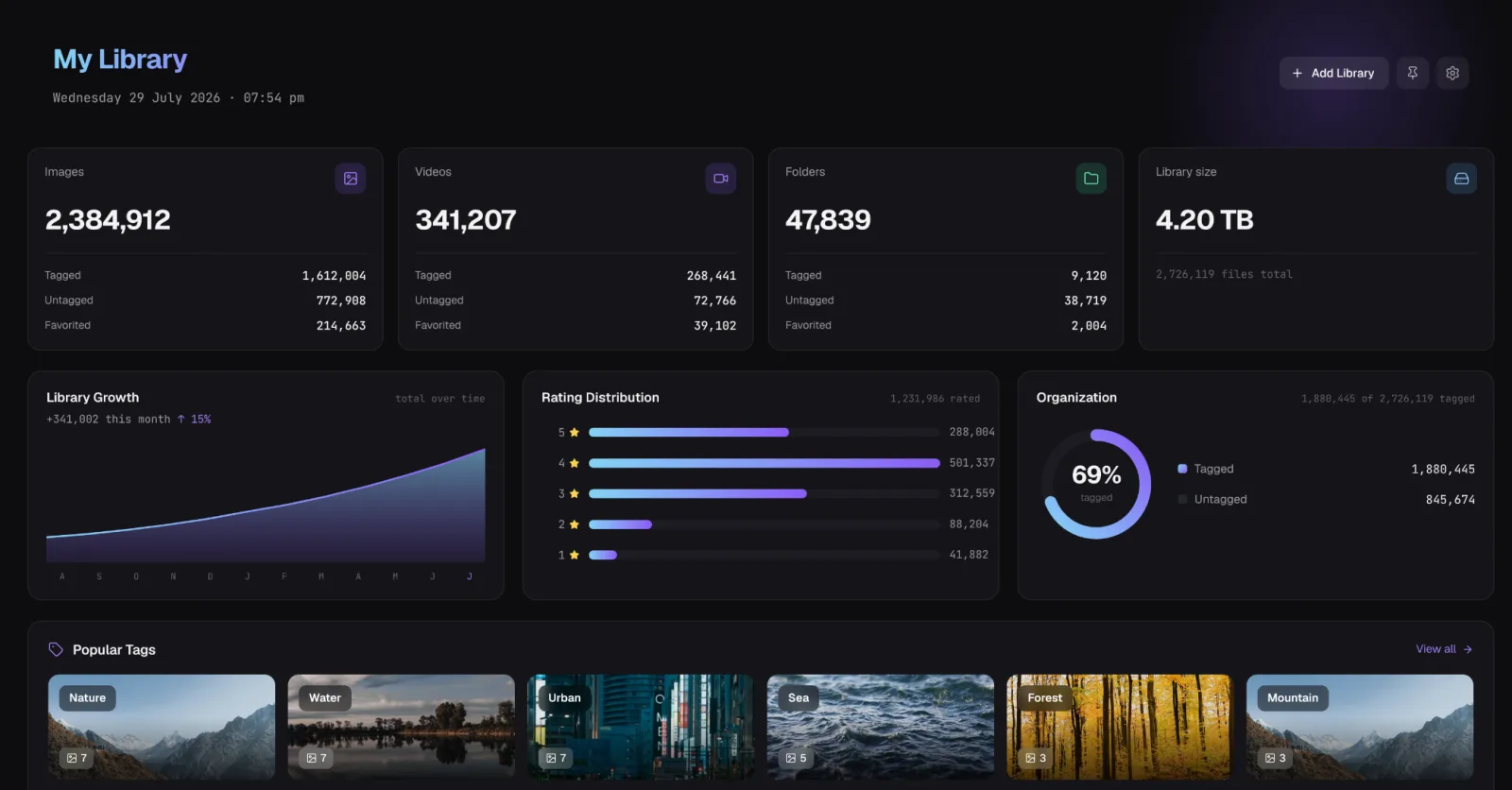
A few hundred photos or millions of files across terabytes of drives, Loshelf is built to stay quick and organized either way. The work that keeps it fast happens quietly in the background, and a dashboard you can shape puts the parts of your library you care about front and center.
Built for libraries of any size
The first time you add a library, Loshelf indexes everything, and on a big collection that part takes a little while. From then on, browsing, searching and scrolling stay fast no matter how large your library gets. All the heavy lifting runs off the interface, so the app never freezes while it works.
Smooth scrolling, without a bloated cache
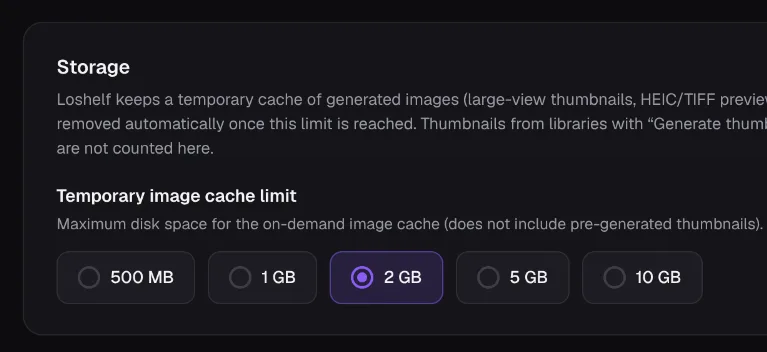
Thumbnails are generated at just the size each one is shown, on demand as you scroll, so a giant folder doesn’t grind to a halt. Prefer them ready in advance? You can pre-generate them for a whole library. And because thumbnails add up, you set a cache size limit and Loshelf keeps things under it, clearing the least-used first.
It stays out of your way
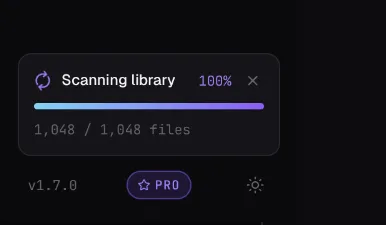
Scanning, preview generation and thumbnailing all run at a low priority in the background, and throttle themselves the moment you start browsing, so they never fight you for the machine. Loshelf is careful with external and slower drives too, so an archive on a spinning disk or a network drive stays responsive.
Pin what matters
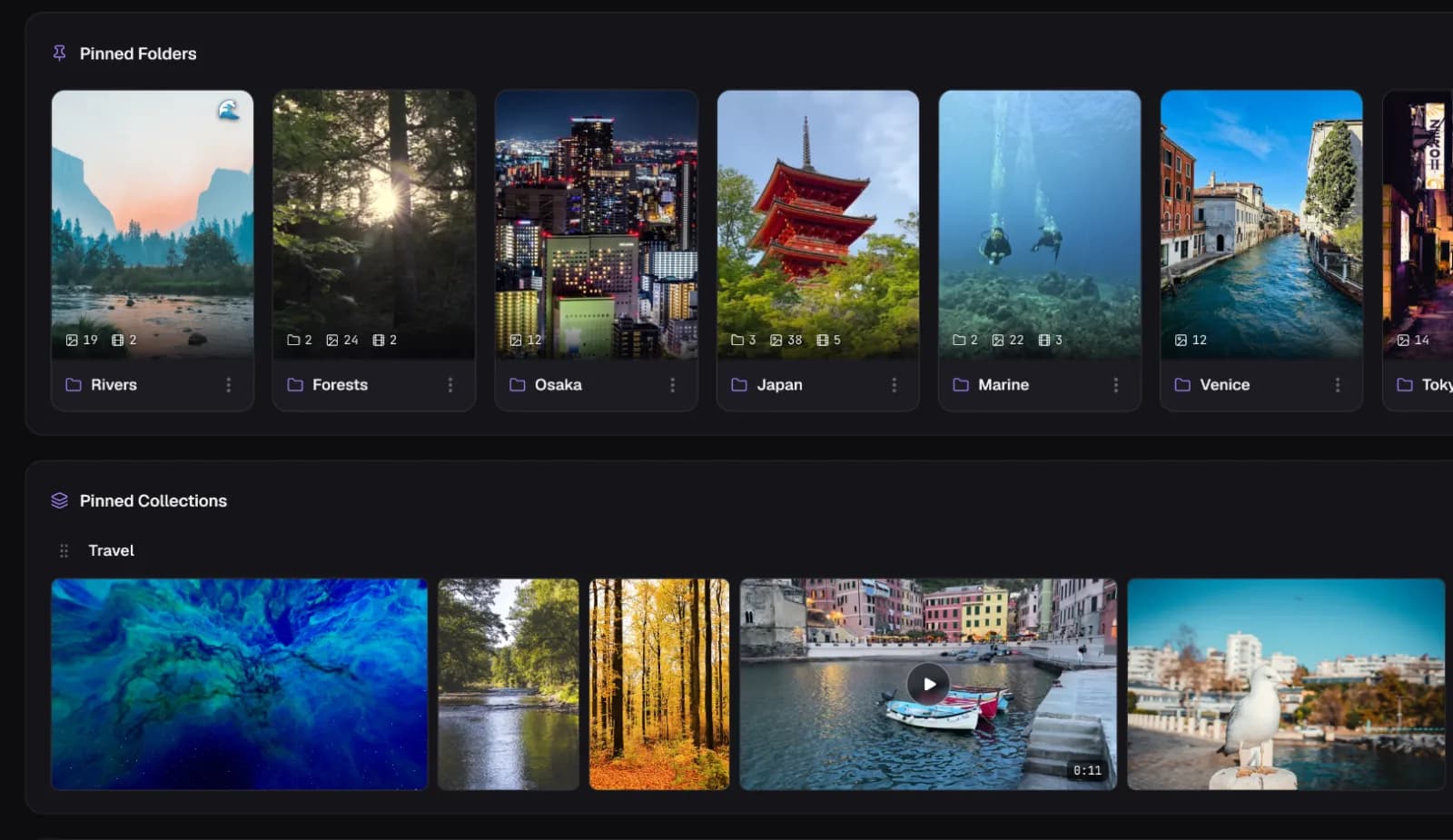
Make the dashboard yours by pinning the folders and collections you reach for most, right to the top and sized however you like. Your most-used tags and the things you viewed recently are there too, so your library always opens on what you care about.
Try Loshelf free
Free for 1 library of 10,000 files · one-time $29 for unlimited