Everything you need to enjoy your photos & videos
A complete, local-first organizer for the photos and videos already on your computer — fast, private and genuinely pleasant to use.
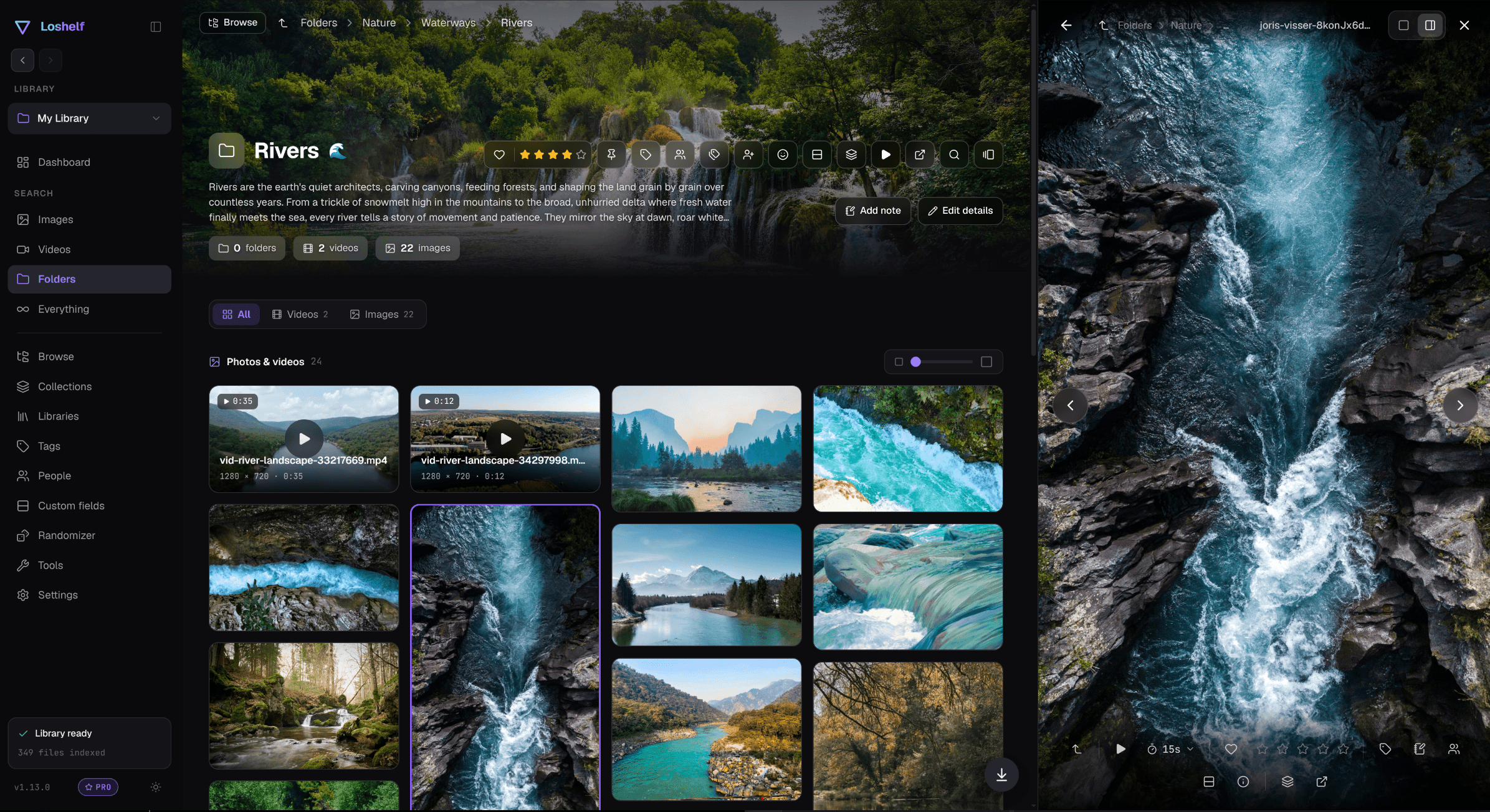
At-a-glance dashboard
Counts, recent media and optional charts the moment you open the app.
True masonry grid
Every photo at its native aspect ratio, with smooth hover zoom and quick favorites.
Powerful search
Filter by tag, rating, resolution, video quality, duration and more — combine filters to find anything fast.
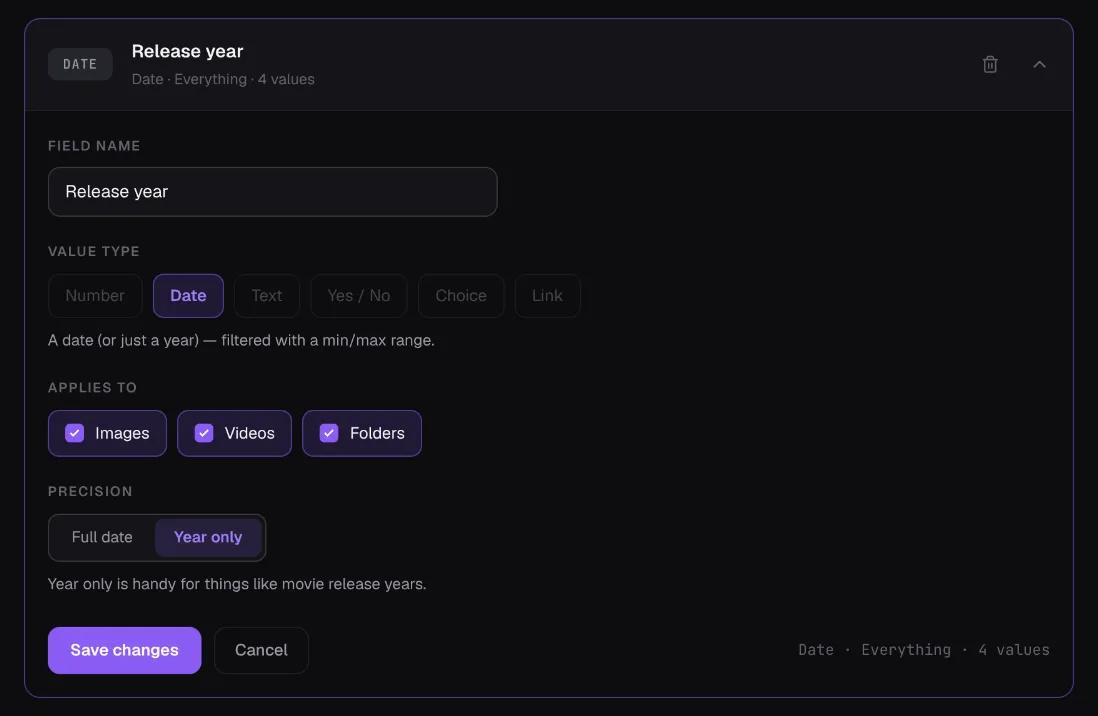
Custom fields
Define your own fields, like a year, an artist, a rating out of 100 or a yes/no, on images, videos and folders, then filter by them right in the search bar.
Tags & ratings
Add descriptions, star ratings and reusable tags to any image or video.
Built-in video player
Hover previews, saved playback positions and a clean player.
Collections
Curate images and videos from anywhere in your library into themed sets — without moving a single file.
Notes & descriptions
Attach notes to any image or video — including notes pinned to a timestamp in a video.
Duplicate finder
Find exact, byte-for-byte duplicate copies and send the extras to the Recycle Bin. It even suggests which copy to keep.
Multiple libraries
Keep separate libraries for different drives, projects or people — switch in a click.
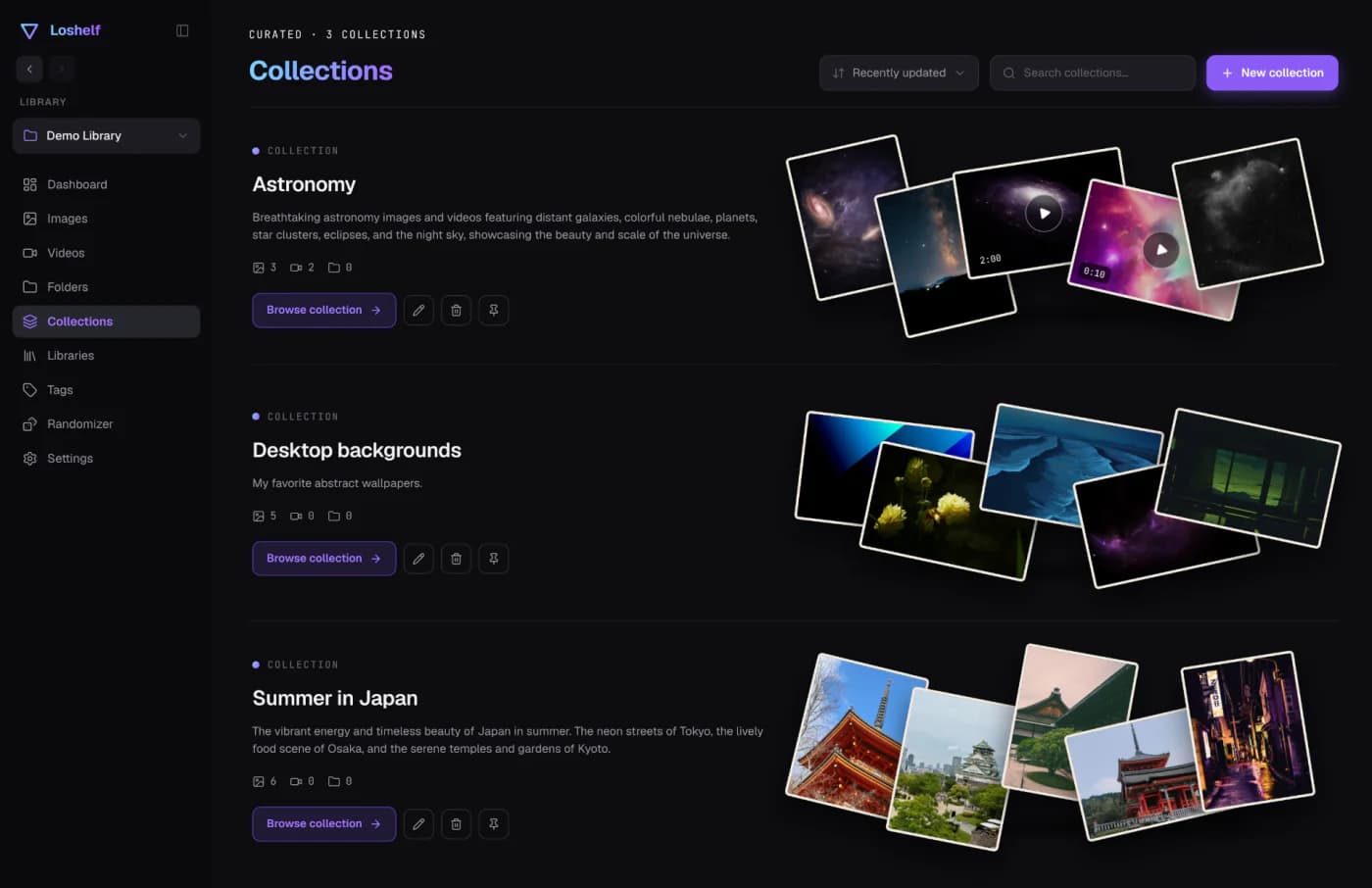
Collections for every idea
Gather images and videos from anywhere in your library into curated collections — trips, wallpapers, inspiration — each with its own description and cover. Your files never move on disk.
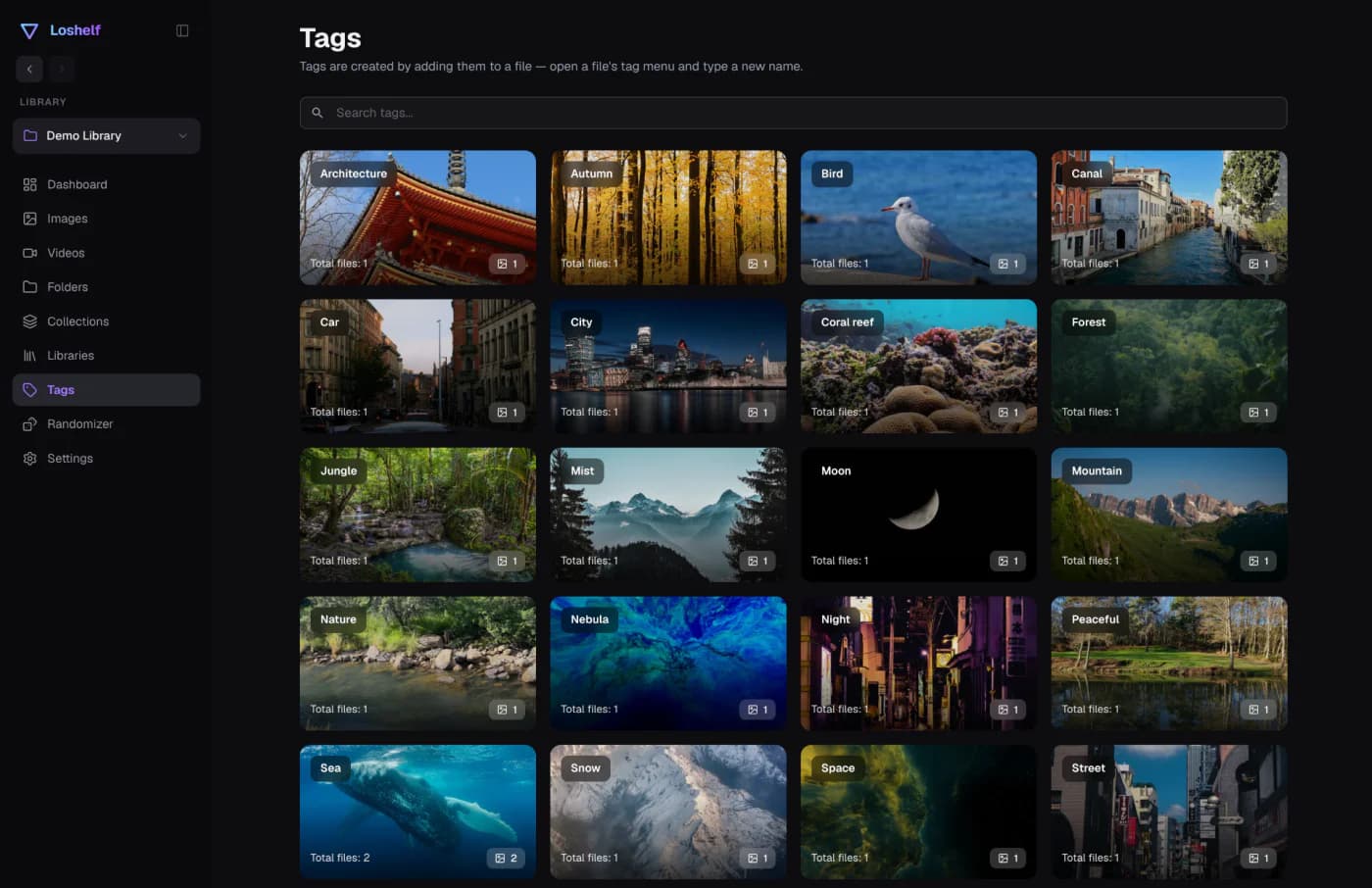
Tags you can see
Browse and search your tags with optional color-coding, combine them with filters, and jump straight to the matching folders, photos and videos.
Custom fields, your way
Tags and ratings are just the start. Define your own fields, like a year, an artist, a rating out of 100 or a yes/no, on images, videos and folders, then filter by them right in the search bar.
Go further with Pro
Every feature above is in the free version, for one library of up to 10,000 photos and 1,000 videos. Pro lifts those limits for a one-time $29, no subscription.