A private, offline photo organizer for Windows
Want to organize the photos and videos on your Windows PC without uploading them to the cloud? Loshelf is a fast, private, offline photo and video organizer for Windows. It works with the folders you already have, keeps everything on your own machine, and makes even a huge library a pleasure to browse.
100% offline and private
Your photos never leave your PC. No account, no cloud, no uploading, and no tracking.
Works with your existing folders
Loshelf organizes the folders already on your Windows PC in place, instead of importing everything into a separate library.
iPhone HEIC photos just work
HEIC, TIFF, WebP and more display right next to your JPEGs, converted for you automatically.
Photos and videos together
One library for both. Hover-to-play previews, a built-in player, and notes you can pin to a moment.
Powerful search and tags
Tag, rate and favorite your photos, then filter by tag, rating, resolution, orientation and more.
Built for big libraries
Stays fast whether you have a few hundred photos or a million across several drives.
Your whole library, beautifully browsable
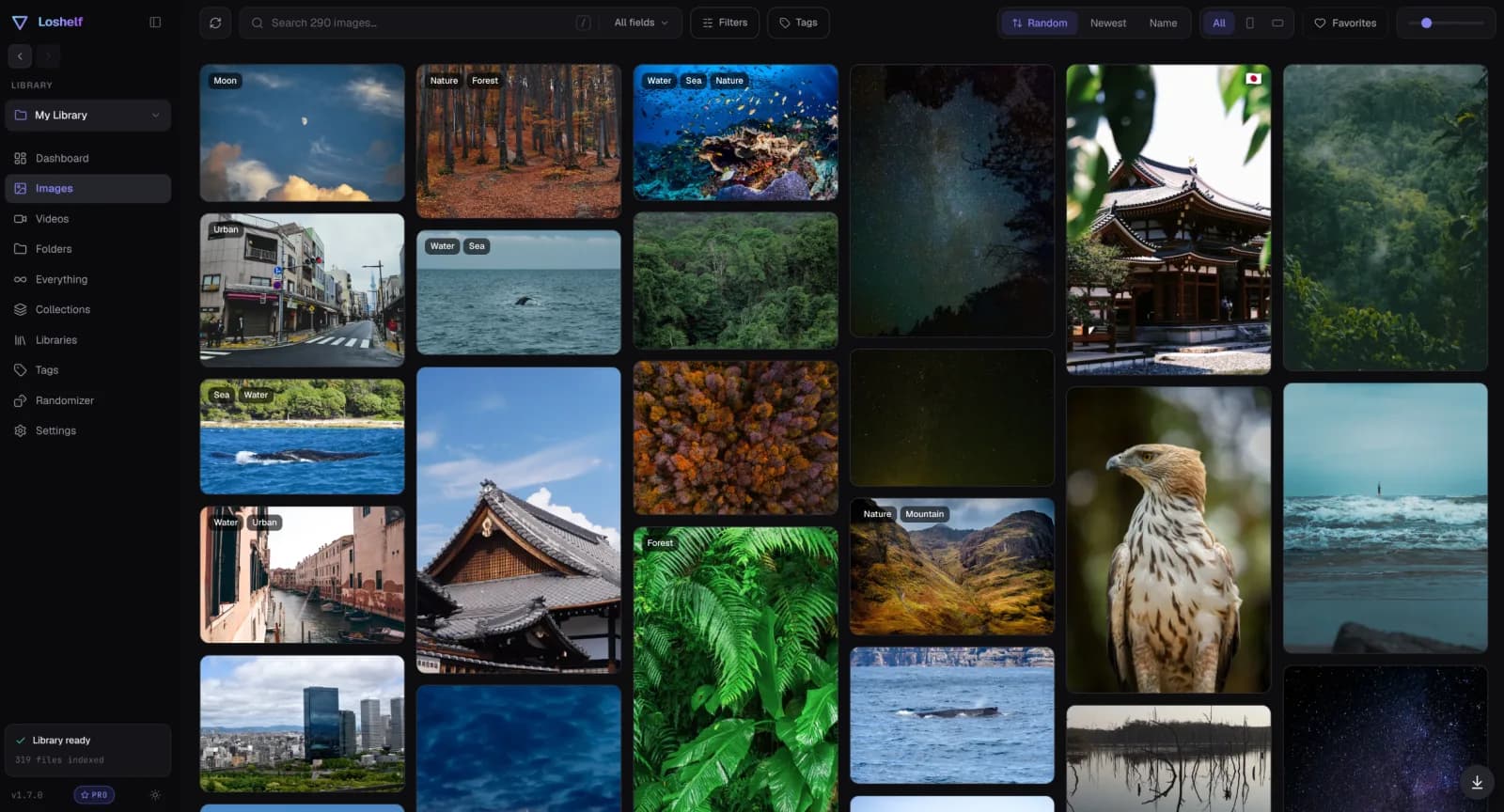
Find any photo without lifting it to the cloud
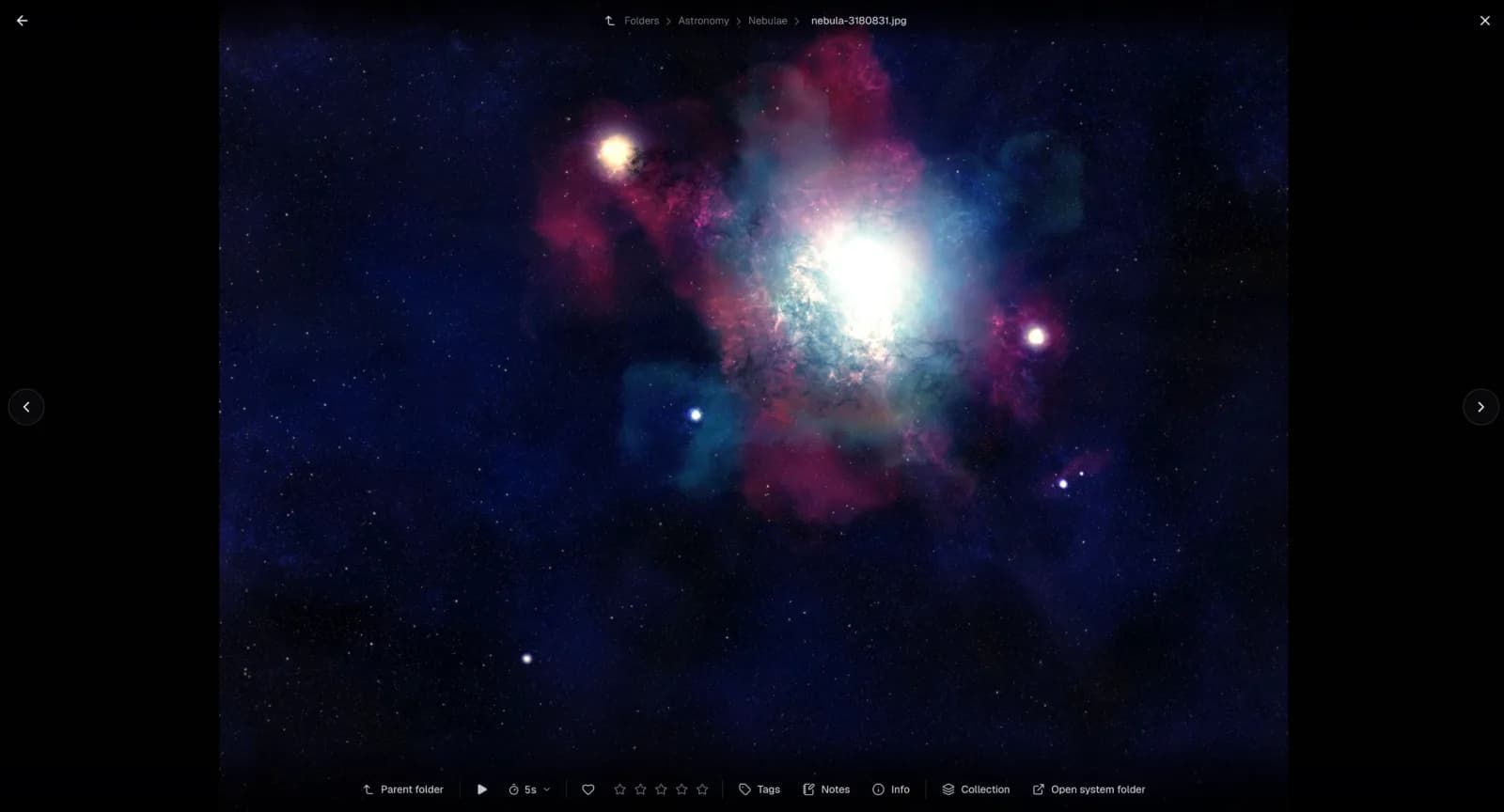
Why not just use the Windows Photos app or a cloud service?
The built-in Windows Photos app is a fine viewer, but it isn’t really an organizer: no tags, ratings, collections or deep search, and it slows down on large libraries. Cloud services like Google Photos or OneDrive upload your private photos to someone else’s servers, lean on a subscription as your collection grows, and need an internet connection. Loshelf organizes the photos already on your disk, fully offline, with a one-time price and no account.
Questions
Is there a free offline photo organizer for Windows?
Yes. Loshelf has a genuinely free version that covers one library of up to 10,000 files. A one-time $29 (no subscription) unlocks unlimited libraries and files.
How do I organize photos on Windows without the cloud?
Point Loshelf at your photo folders and it builds a private, searchable library right on your PC. It reads your existing folders in place and never uploads anything, so your photos stay entirely on your own computer.
Does Loshelf work without an internet connection?
Yes. Loshelf runs entirely offline. There is no account to create and no connection required to browse, tag or search your library.
How does it handle videos?
Videos sit alongside your photos in the same library. You get hover-to-play previews, a built-in player that remembers where you left off, and notes you can pin to a specific timestamp.
Which versions of Windows does it support?
Loshelf runs on Windows 10 and 11. There are also macOS (Apple Silicon) and Linux builds.
Free for 1 library of 10,000 files · one-time $29 for unlimited